
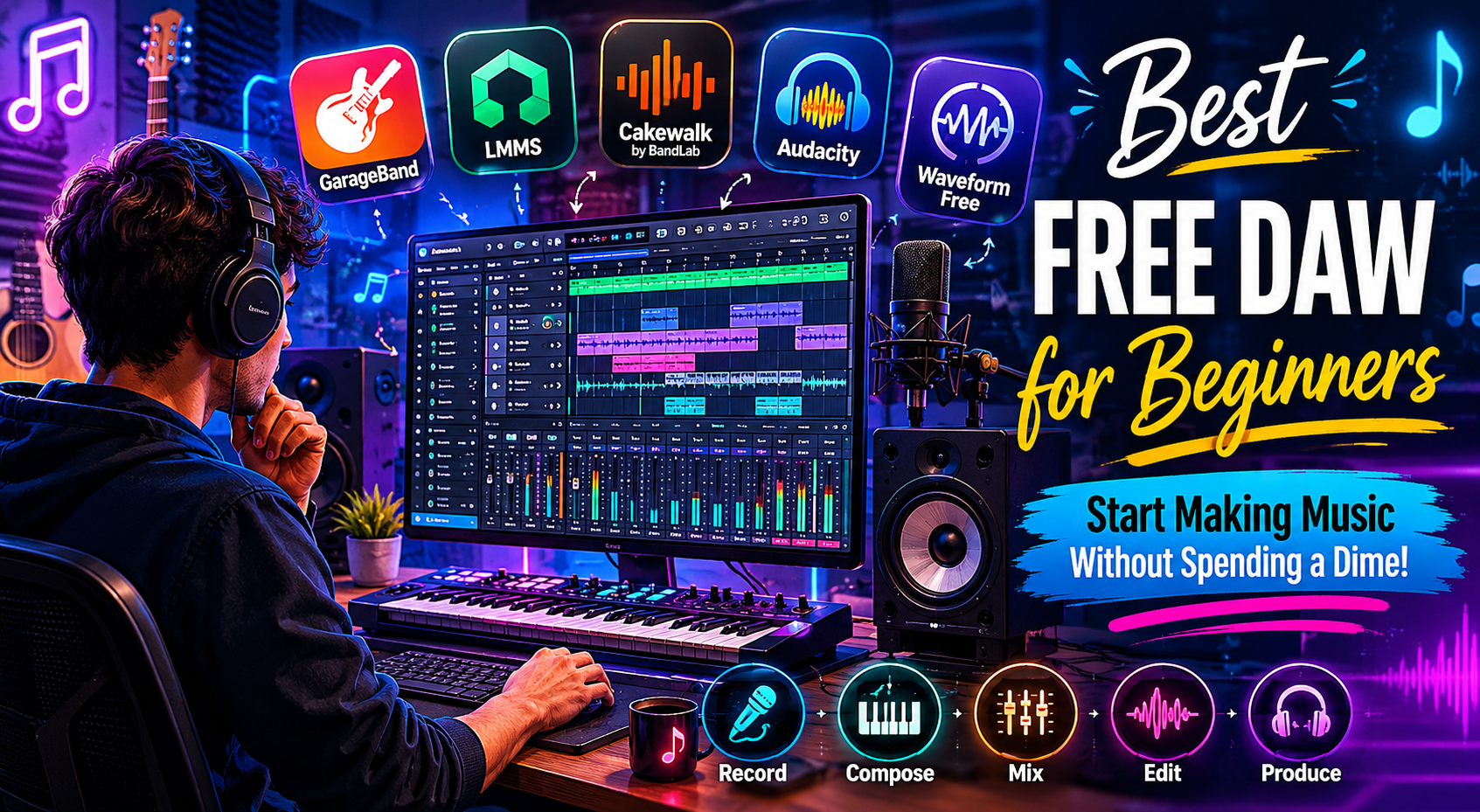
So you want to start making music but don’t know where to begin — or you’re not ready to drop hundreds of dollars on software just yet. Good news: there are some genuinely powerful free DAWs (Digital Audio Workstations) out there that are perfect for beginners.
In this guide, we’ll walk you through the top free options, what makes each one great, and help you pick the right one for your style.
What Is a DAW and Why Do You Need One?
A DAW (Digital Audio Workstation) is software that lets you record, edit, arrange, and mix music on your computer. Think of it as your entire recording studio — packed into one program.
Whether you want to produce beats, record vocals, compose film scores, or experiment with electronic music, a DAW is the starting point.
Top Free DAWs for Beginners (2025)
1. GarageBand — Best for Mac & iPhone Users
If you own a Mac, iPad, or iPhone, GarageBand is already waiting for you — completely free.
Why beginners love it:
- Clean, simple interface that’s easy to learn
- Hundreds of built-in loops, sounds, and virtual instruments
- Records both live audio and MIDI
- Seamlessly upgrades to Logic Pro if you grow out of it
Best for: Singer-songwriters, beat makers, and total newcomers on Apple devices.
Limitation: Only available on Apple devices.
2. LMMS (Linux MultiMedia Studio) — Best Free Option for Windows & Linux
LMMS is a fully free, open-source DAW that works on Windows, Mac, and Linux. It has a look and feel similar to FL Studio, making it great if you eventually plan to upgrade.
Why beginners love it:
- Completely free — no hidden costs
- Comes with built-in synthesizers and drum machines
- Strong online community and tutorials
- Works well on older computers
Best for: Beat producers and electronic music beginners on Windows or Linux.
Limitation: The interface can feel a bit dated, and the learning curve is moderate.
3. Cakewalk by BandLab — Best Full-Featured Free DAW for Windows
Cakewalk (formerly SONAR) was once a paid professional DAW. BandLab acquired it and made it 100% free. It’s one of the most powerful free options available today.
Why beginners love it:
- Professional-grade tools at zero cost
- Supports unlimited audio and MIDI tracks
- Comes with effects, instruments, and mastering tools
- Regular updates from BandLab
Best for: Windows users who want a professional setup without paying.
Limitation: Windows only, and it can feel overwhelming for absolute beginners.
4. Audacity — Best for Recording & Podcasting
Audacity is one of the most downloaded audio programs in the world. It’s not a traditional DAW for music production, but it’s excellent for recording and editing audio.
Why beginners love it:
- Extremely lightweight and easy to install
- Great for recording vocals, instruments, and podcasts
- Simple cut/copy/paste audio editing
- Available on Windows, Mac, and Linux
Best for: Podcasters, vocalists, and anyone who mainly needs to record and edit audio.
Limitation: Limited MIDI support and no built-in instruments.
5. Tracktion Waveform Free — Best for Multi-Platform Beginners
Waveform Free by Tracktion is a modern, sleek DAW with an interface that feels fresh and intuitive. The free version is genuinely useful — not just a trial.
Why beginners love it:
- Modern interface that’s clean and well-organized
- Unlimited audio and MIDI tracks
- Available on Windows, Mac, and Linux
- Includes some instruments and effects
Best for: Beginners who want a modern-looking DAW across any platform.
Limitation: Some advanced features are locked behind paid tiers.
Quick Comparison Table
| DAW | Platform | Best For | MIDI Support | Built-in Instruments |
|---|---|---|---|---|
| GarageBand | Mac / iOS | All-around beginners | ✅ Yes | ✅ Yes (many) |
| LMMS | Win / Mac / Linux | Beat making | ✅ Yes | ✅ Yes |
| Cakewalk by BandLab | Windows only | Pro-level recording | ✅ Yes | ✅ Yes |
| Audacity | Win / Mac / Linux | Recording & editing | ⚠️ Limited | ❌ No |
| Waveform Free | Win / Mac / Linux | Modern production | ✅ Yes | ✅ Some |
How to Choose the Right Free DAW for You
Not sure which one to pick? Follow these simple steps:
- Check your device. On a Mac? Start with GarageBand. On Windows? Try Cakewalk or LMMS.
- Think about your goal. Making beats? LMMS or GarageBand. Recording vocals or a podcast? Audacity or Cakewalk.
- Consider your experience level. Total beginner? GarageBand and Audacity have the gentlest learning curves.
- Try more than one. All of these are free — download two and see which one feels right.
Tips to Get Started Faster
Once you’ve picked your DAW, here’s how to hit the ground running:
- Watch YouTube tutorials specific to your DAW — there are thousands of free beginner guides
- Start with one instrument or loop before trying to do everything at once
- Save your projects often — nothing hurts more than losing your work
- Use headphones or monitor speakers for more accurate sound
- Join online communities like Reddit’s r/WeAreTheMusicMakers for advice and feedback
Frequently Asked Questions
Q: Can I make professional music with a free DAW?
Yes — many professional tracks have been made with GarageBand and other free tools. The software matters less than your creativity and practice.
Q: Is GarageBand really free?
Yes. GarageBand comes pre-installed on all Mac computers and is free to download on iPhone and iPad from the App Store.
Q: What’s the difference between a free and paid DAW?
Paid DAWs like FL Studio, Ableton Live, or Logic Pro offer more advanced features, better plugin support, and ongoing updates. But for beginners, a free DAW is more than enough to learn and create.
Q: Do I need a powerful computer to run a DAW?
Not necessarily. Audacity and LMMS run well on older machines. GarageBand and Cakewalk need a bit more power, but any modern computer should handle them fine.
Q: Can I record live instruments in these free DAWs?
Yes — GarageBand, Cakewalk, Waveform Free, and Audacity all support recording live audio. You’ll need an audio interface or a decent microphone to get good sound quality.
Q: Which free DAW is closest to FL Studio?
LMMS is the closest free alternative to FL Studio in terms of layout and workflow, especially for beat production.
Conclusion
The best free DAW for beginners depends on your device, your goals, and your musical style — but you really can’t go wrong with any option on this list.
- Mac users: Start with GarageBand
- Windows users: Try Cakewalk by BandLab
- Cross-platform beat makers: Go with LMMS
- Podcasters and vocalists: Audacity is your friend
- Modern interface lovers: Check out Waveform Free
The most important thing is to just get started. Pick one, open it up, and make something — even if it’s messy. Every great producer started exactly where you are now.