
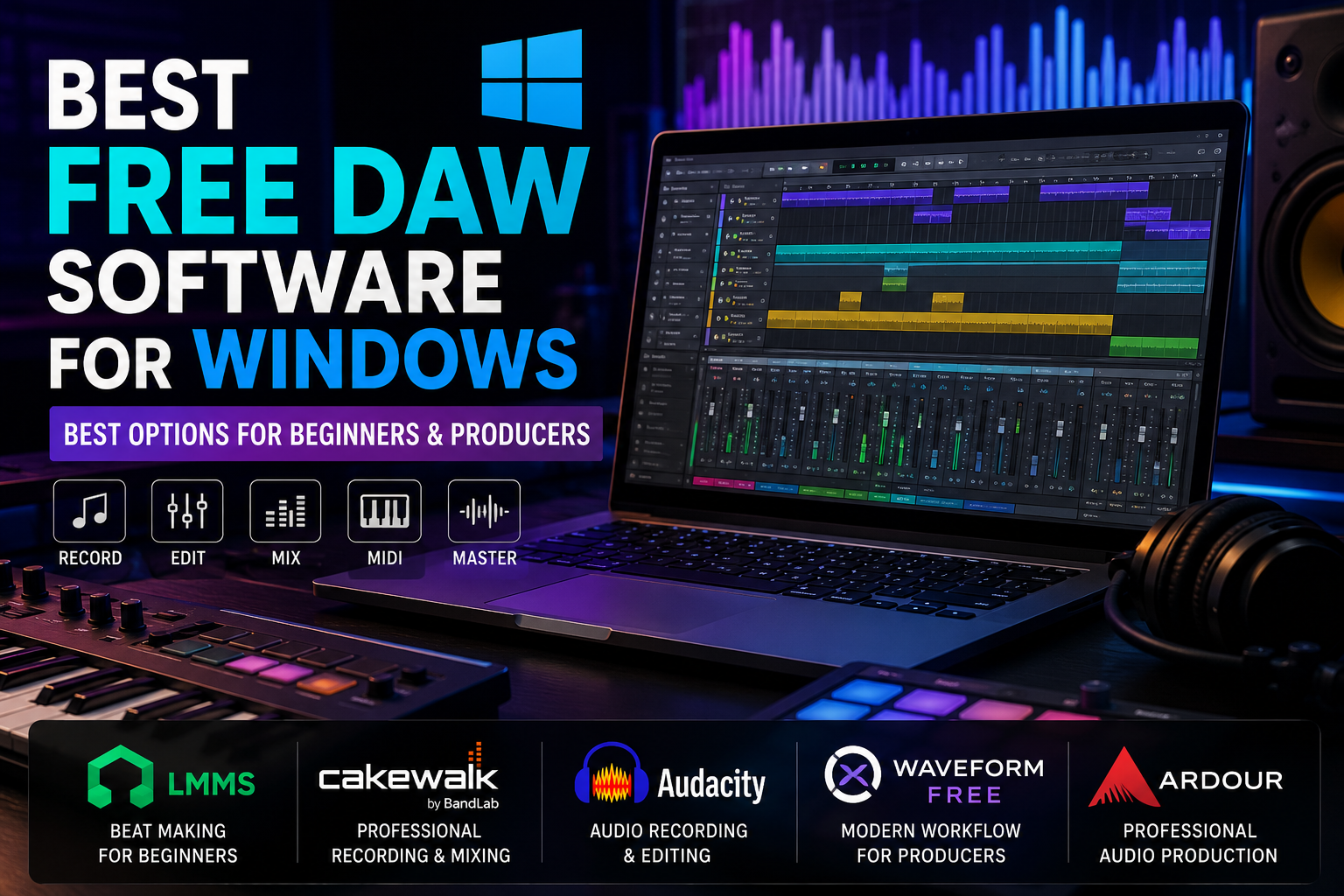
Whether you are just starting your music production journey or looking to cut costs without sacrificing quality, you do not need to spend hundreds of dollars on software. There are some genuinely powerful free DAW software for Windows available right now — and many professional producers use them daily.
This guide walks you through the best free options, what each one offers, and how to pick the right one for your needs.
What Is a DAW and Why Does It Matter?
A DAW (Digital Audio Workstation) is software that lets you record, edit, mix, and produce music on your computer. Think of it as your complete music studio — inside a single program.
Whether you are recording vocals, producing beats, composing film scores, or podcasting, a DAW is the core tool you need. The good news? You do not have to pay for one to get started.
Top Free DAW Software for Windows Users
Here is a breakdown of the best no-cost options available on Windows today.
1. GarageBand Alternative — LMMS (Linux MultiMedia Studio)
Best for: Beginners and beat makers
LMMS is one of the most popular free DAWs on Windows. It has a clean interface and comes loaded with built-in instruments, samples, and effects — making it ideal if you are starting from scratch.
Key features:
- Beat + bassline editor for quick beat production
- Piano roll for MIDI composition
- 16 built-in synthesizers
- VST plugin support
- Active community and free tutorials available
Limitation: The workflow feels different from industry-standard DAWs, so there is a small learning curve.
2. Cakewalk by BandLab
Best for: Semi-professional recording and mixing
Cakewalk is technically a professional-grade DAW that became completely free after BandLab acquired it. It is one of the most feature-rich free options available for Windows — period.
Key features:
- Unlimited audio and MIDI tracks
- Professional mixing console
- VST2 and VST3 plugin support
- Built-in ProChannel for mixing
- Dedicated Windows 10/11 support
Limitation: Available for Windows only, and it requires a BandLab account to activate.
3. Audacity
Best for: Audio recording, editing, and podcasting
Audacity is not a full music production DAW, but it is the go-to free tool for recording and editing audio. If you need to record vocals, clean up audio, or edit podcast episodes, Audacity handles it brilliantly.
Key features:
- Multi-track audio recording
- Noise reduction and audio cleanup tools
- Wide format support (MP3, WAV, FLAC, etc.)
- Free VST effect plugins supported
- Simple, lightweight interface
Limitation: Limited MIDI support and no beat production tools — not ideal for music composition.
4. Tracktion Waveform Free
Best for: Intermediate producers and live performers
Waveform Free is the free version of Tracktion’s professional DAW. It offers a modern, single-screen workflow that many producers find refreshing compared to traditional layouts.
Key features:
- Unlimited tracks
- MIDI and audio recording
- Built-in instruments and effects
- Drag-and-drop editing
- Regular updates from the developer
Limitation: Some advanced features are locked behind the paid version.
5. Ardour (Free/Donation-Based)
Best for: Recording engineers and audio professionals
Ardour is an open-source DAW favored by recording engineers. It is more advanced than the others on this list, but it is powerful and completely free if you compile it yourself (or pay a small donation for the pre-built version).
Key features:
- Professional multi-track recording
- Non-destructive editing
- Full MIDI support
- Supports LV2, VST, and AU plugins
- Great for live recording sessions
Limitation: Steeper learning curve — better suited for intermediate to advanced users.
Side-by-Side Comparison
| DAW | Best For | MIDI Support | VST Support | Ease of Use | Cost |
|---|---|---|---|---|---|
| LMMS | Beat making, beginners | ✅ | ✅ | Easy | Free |
| Cakewalk by BandLab | Recording, mixing | ✅ | ✅ | Moderate | Free |
| Audacity | Audio editing, podcasting | Limited | ✅ | Very Easy | Free |
| Waveform Free | General production | ✅ | ✅ | Moderate | Free |
| Ardour | Professional recording | ✅ | ✅ | Advanced | Free/Donation |
How to Choose the Right Free DAW for You
With so many options, picking one can feel overwhelming. Use these simple questions to narrow it down:
Are you a complete beginner? → Start with LMMS or Audacity. Both are easy to learn and have massive communities online.
Do you want professional features for free? → Go with Cakewalk by BandLab. It is the closest thing to a paid DAW without spending anything.
Do you mainly record vocals or instruments? → Audacity or Ardour will serve you best for clean, multi-track recording.
Are you into electronic music and beat production? → LMMS or Waveform Free offer great tools for composing and sequencing beats.
Tips to Get the Most Out of Free DAW Software
Once you have chosen your DAW, keep these tips in mind:
- Install free VST plugins — Sites like Plugin Boutique and Plugins4Free offer hundreds of free instruments and effects
- Use YouTube tutorials — Every DAW on this list has thousands of free video guides
- Start simple — Master one tool before adding more plugins or features
- Back up your projects — Use Google Drive or an external hard drive to protect your work
- Join online communities — Reddit’s r/WeAreTheMusicMakers and forums specific to each DAW are goldmines for tips
What You Can Produce With Free DAW Software
You might be surprised at what is possible without spending a penny. With free DAW tools, producers have created:
- Full-length albums and EPs
- Beats sold on platforms like BeatStars
- Film and YouTube background scores
- Podcast episodes and voiceovers
- Sound design for indie games
Free does not mean limited — it means accessible.
Frequently Asked Questions (FAQs)
Q1: Can I use free DAW software for commercial music production?
Yes. Most free DAWs like LMMS, Cakewalk, and Waveform Free allow you to use your productions commercially. Always check the specific license terms for any third-party plugins you add.
Q2: Is Cakewalk really completely free?
Yes. Since BandLab acquired it, Cakewalk has been 100% free for Windows users. You just need to create a free BandLab account to activate it.
Q3: Do free DAWs support VST plugins?
Most do. LMMS, Cakewalk, Waveform Free, and Ardour all support VST plugins, which lets you expand your sound library and effects chain for free.
Q4: Which free DAW is closest to FL Studio or Ableton?
LMMS has a workflow similar to FL Studio for beat making. For a more Ableton-like experience, Waveform Free comes close in terms of its modern, streamlined layout.
Q5: Can a beginner learn music production using free software?
Absolutely. Many professional producers started on free tools. The software does not limit your creativity — practice and learning do all the heavy lifting.
Conclusion
You do not need an expensive software subscription to start making music. The free DAW software for Windows available today is genuinely impressive — from beginner-friendly tools like LMMS to near-professional platforms like Cakewalk by BandLab.
Pick the one that matches your skill level and goals, invest time in learning it well, and you will be producing quality music before you know it. The best DAW is always the one you actually use — so download one today and start creating.
Your music journey does not have to wait for a bigger budget. It can start right now.